
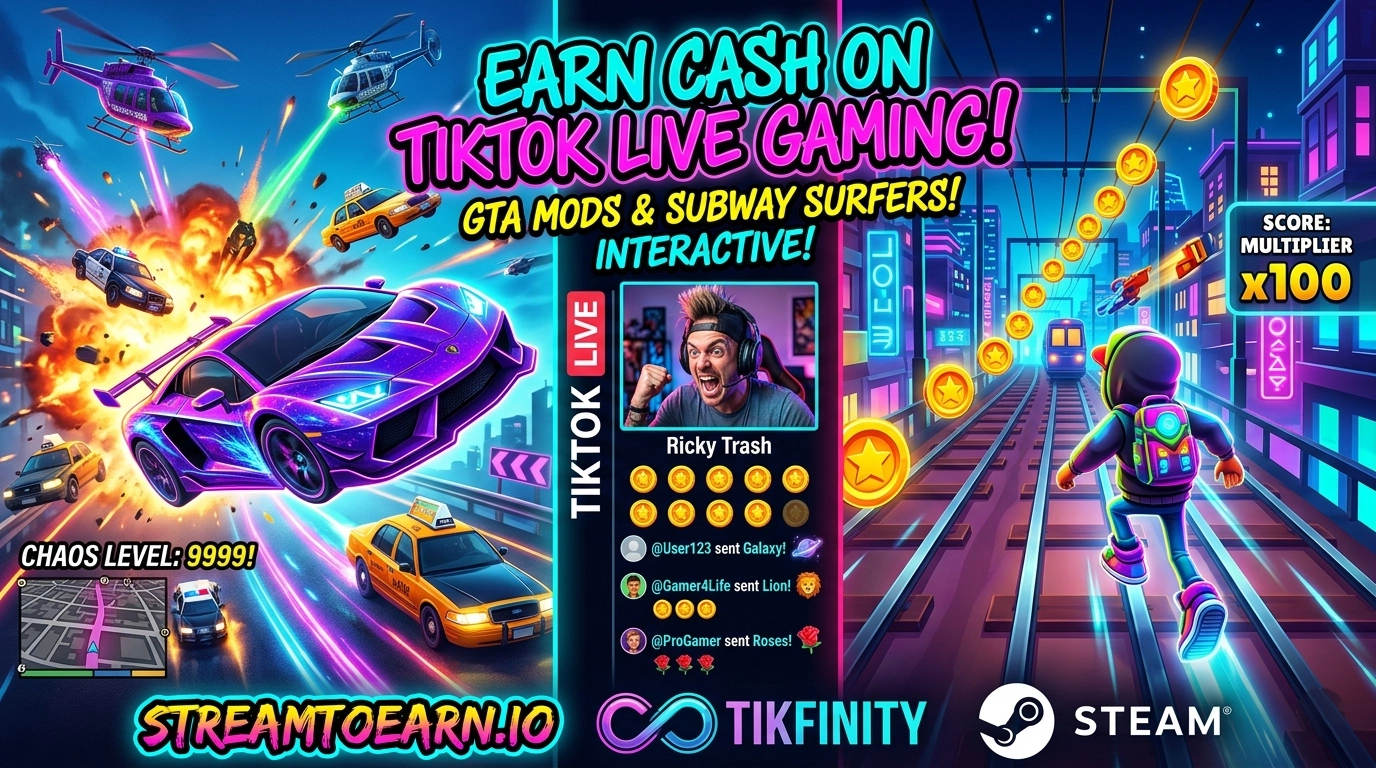
Yo, what is up, you absolute legends! If you’re tired of grinding your 9-to-5 while some kid on TikTok live is making bank by letting people spawn 500 tanks on his head in GTA, then you’re in the right place.
We aren’t just playing games anymore, fam. We’re building interactive digital circuses. If you want to know how to turn “likes” into literal cash and “gifts” into absolute gameplay chaos, buckle up. We’re talking Subway Surfers in 4K, GTA 5 Chaos Mods, and the secret sauce that makes the coins rain down.
The Hook: Why “Interactive” is the Future of the Hustle
Let’s be real—watching someone play a game normally is boring. People have the attention span of a goldfish on espresso these days. If you want to win, you have to let the audience touch the game.
When a viewer sends a “Rose,” maybe your car speeds up. When they send a “Galaxy,” maybe a Meteor hits the map. That’s the TikTok Live Interactive meta. You aren’t the player; you’re the puppet, and they’re holding the strings. And guess what? They pay to pull those strings.
The Big Players: GTA 5 and Subway Surfers
1. GTA 5 Chaos Mod (The King of Content)
You’ve seen it. Someone is driving through Los Santos, and suddenly the gravity turns off, or every pedestrian starts shooting RPGs. That’s the Chaos Mod.
- How it works: You link the mod to TikTok using tools like TikFinity or Crowd Control.
- The Vibe: Pure, unadulterated madness. People will spam gifts just to see you fail a mission in the most hilarious way possible.
2. Subway Surfers (The Aesthetic Grind)
This isn’t just for mobile anymore. People are running “High Stakes” Subway Surfers streams on PC.
- The Interactive Twist: Viewers send gifts to change the character’s speed, swap the map, or trigger “clutter” on the screen that makes it harder for you to see. It’s hypnotic, it’s colorful, and it’s a goldmine.
The Secret Weapons: Where to Get the Goods
You can’t just “wish” these mods into existence. You need the right tech stack. Here are the platforms you need to bookmark immediately:
1. StreamToEarn (The MVP)
This is the one you’ve been looking for. StreamToEarn.io is specifically designed for this niche. It provides the bridge between TikTok gifts and game actions.
- What it does: It supports a ton of “presets” for GTA 5 and other titles. It’s literally built to help you earn while you stream.
- Pro Tip: Join their Discord. That’s where the real “money-making” configurations are shared.
2. TikFinity
This is the “Swiss Army Knife” for TikTok streamers. It handles your overlays, your alerts, and most importantly, it can trigger keyboard commands or scripts based on gifts. If a gift arrives, TikFinity tells your PC “Hey, press ‘F’ to jump,” and boom you’ve got interactivity.
3. Steam (and SteamToEarn context)
While you buy your base games on Steam, look for communities and external tools like the aforementioned StreamToEarn that integrate with your Steam library. You need the official PC versions of these games to run the heavy-duty mods—no mobile emulators if you want it to look professional!
The “Trash” Blueprint: 4 Steps to Your First $100
Step 1: Get the Hardware Right
Don’t try to stream from a potato. You need a PC that can handle running the game and the streaming software (OBS or TikTok Live Studio) simultaneously.
“If your stream lags, your bank account sags.” — Words to live by.
Step 2: Set the “Price List”
Be transparent. Put an overlay on your screen:
- 1 Rose: Jump.
- 10 Coins: Change Color.
- 100 Coins (Doughnut): Spawn an Airplane.
- 1000 Coins (Lion): DELETE THE MOD FOLDER (Just kidding… unless?).
Step 3: Engagement is Your Fuel
You can’t just sit there like a statue. Talk to them!
- “Yo, [Username], thanks for the Galaxy! You just sent me into the stratosphere!”
- “Stop! Who sent the police?! Why do you hate me?!” The more you react, the more they spend. It’s psychology, baby.
Step 4: Use TikTok Live Studio + OBS
If you have 1,000 followers, you likely have access to TikTok Live Studio. If you’re a pro, use OBS with a virtual camera to get those high-quality overlays and “StreamToEarn” integrations working perfectly.
The Reality Check (Don’t Get Banned!)
Look, TikTok is strict.
- No Copyright Music: Use lo-fi or royalty-free beats.
- Keep it “Clean”: Don’t do anything weird with the mods that violates TikTok’s Community Guidelines.
- Consistency: Don’t go live once and quit. The algorithm loves a grinder.
Final Thoughts: Are You Ready to Level Up?
The tools are there. Steam provides the games, StreamToEarn provides the tech, and TikTok provides the audience. All that’s missing is you and your personality.
Stop watching other people get rich off their gaming setups. Go download the Chaos Mod, link your TikFinity, and start that stream.
I want to see you guys winning! If you found this helpful, drop a comment, share it with your squad, and let’s get this bread together.
Stay loud, stay trashy, and keep gaming! 🎮💰
Do you have your 1,000 followers yet, or are we starting from scratch today?